The Smart TV Remote Needs a New Update
Blog | Design Fixes | 2025
We've all seen the UX for dummies example of the TV remote.
You know this one:
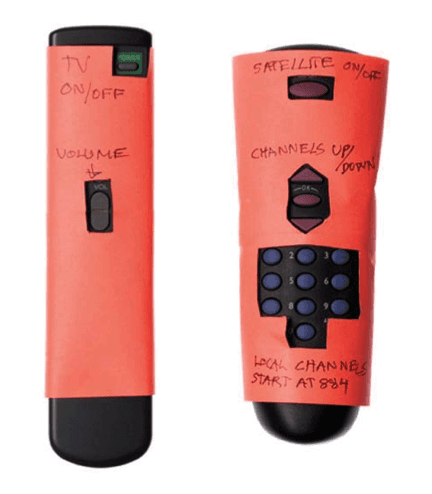
Covering up the remote to only highlight the essentials.
There have been many versions of this particular "redesign" of the remote. Originally, I believe it was made to assist older generations trying to use a complex remote with too many buttons. The redesign made it easy to focus on the buttons that mattered.
Fast forward a few years, the companies listened and boom we have the modern remote equivalents such as the Amazon Firestick
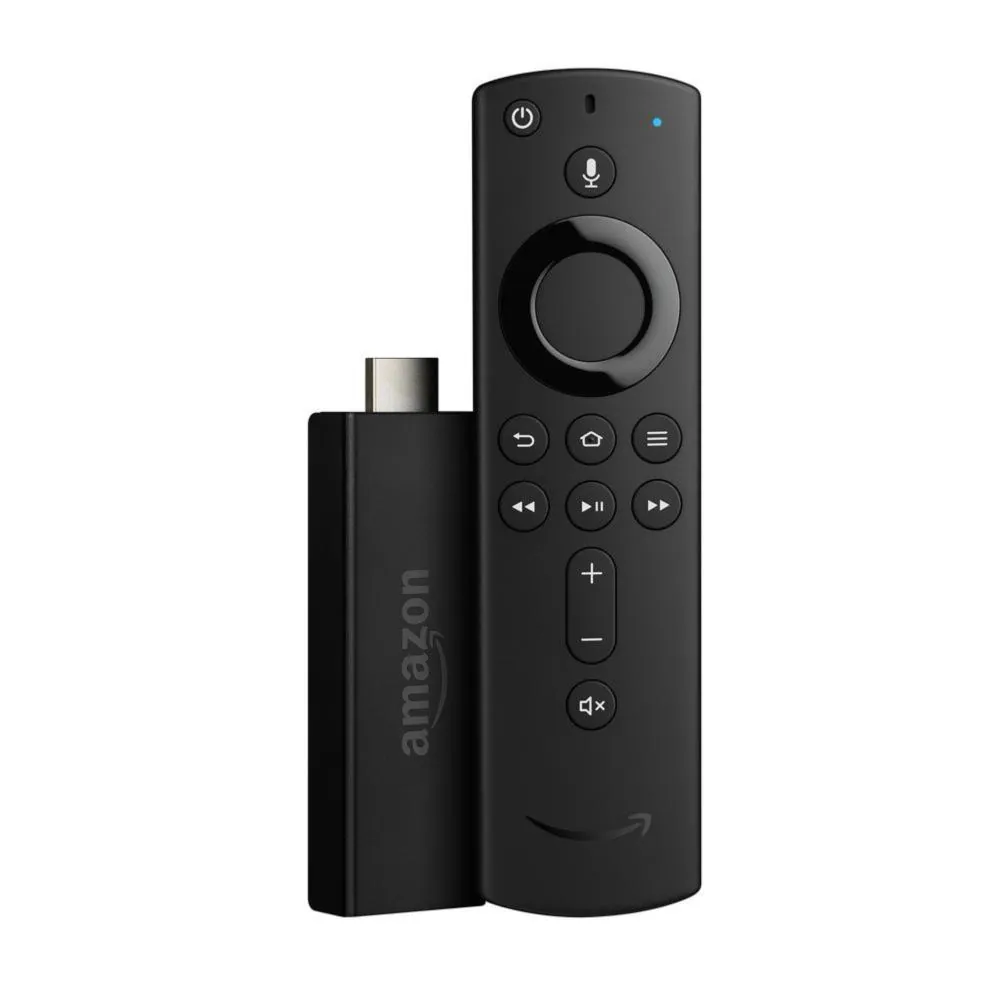
Amazon Firestick
Lazy Bone
Before remotes, TV viewers had to plod to their televisions to change the channel and volume using rotating dials or buttons.
The Zenith Radio Corporation created the very first television remote control in 1950 called "Lazy Bone." The Lazy Bone could turn a television on and off as well as change channels. However, it was not a wireless remote control. The Lazy Bone remote control was attached to the television by a bulky cable. It turned out that consumers did not like the cable because people kept tripping over the cord.
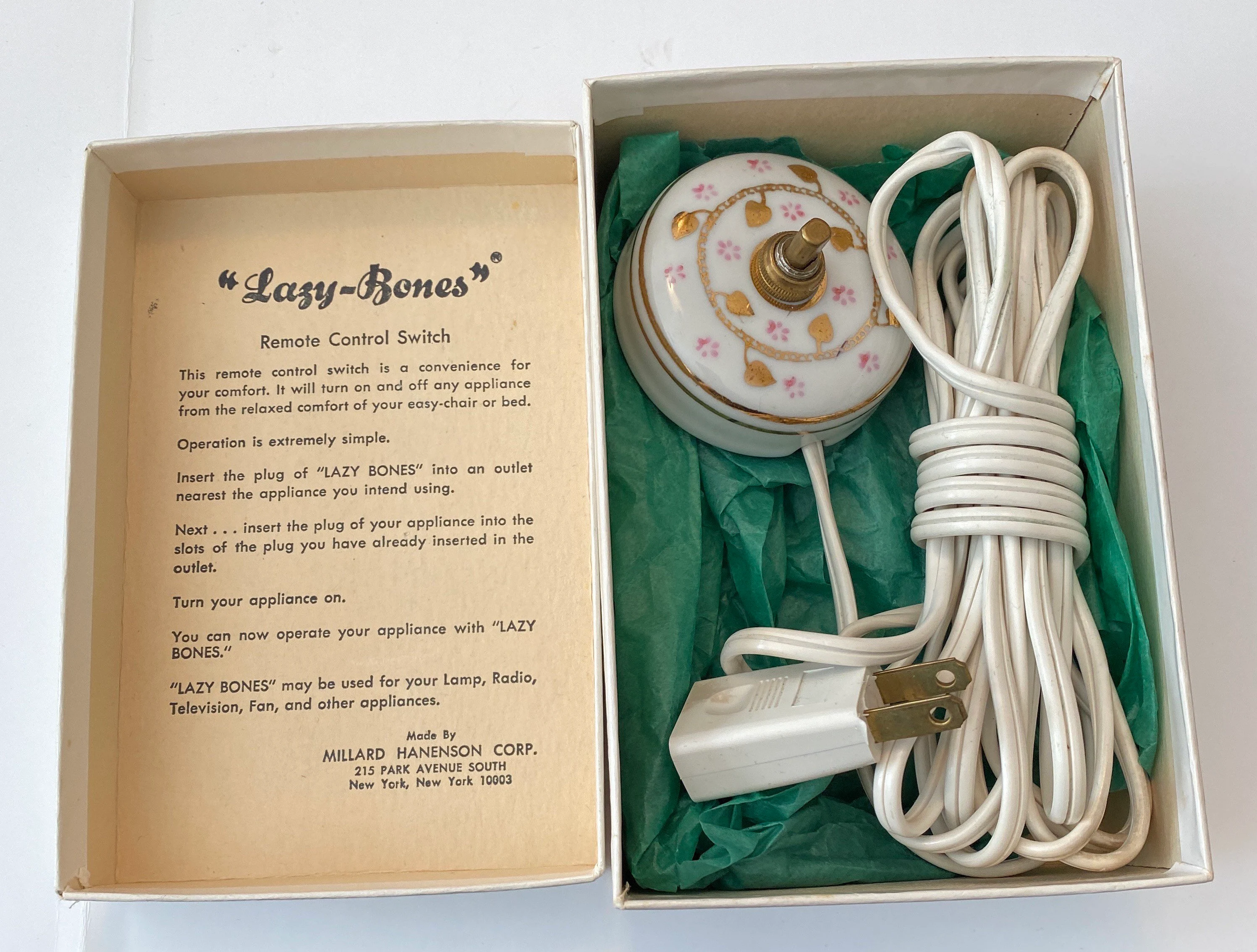
The Problem: Cable got in the way
Flashmatic
In the mid 1950s, Zenith engineer Eugene Polley devised his Flashmatic TV remote, which used directional flashes of light to control the television. But the TV's four photo cells (one in each corner of the screen) responded to all sorts of light sources, including sunlight and ceiling lights, causing spontaneous channel changes.
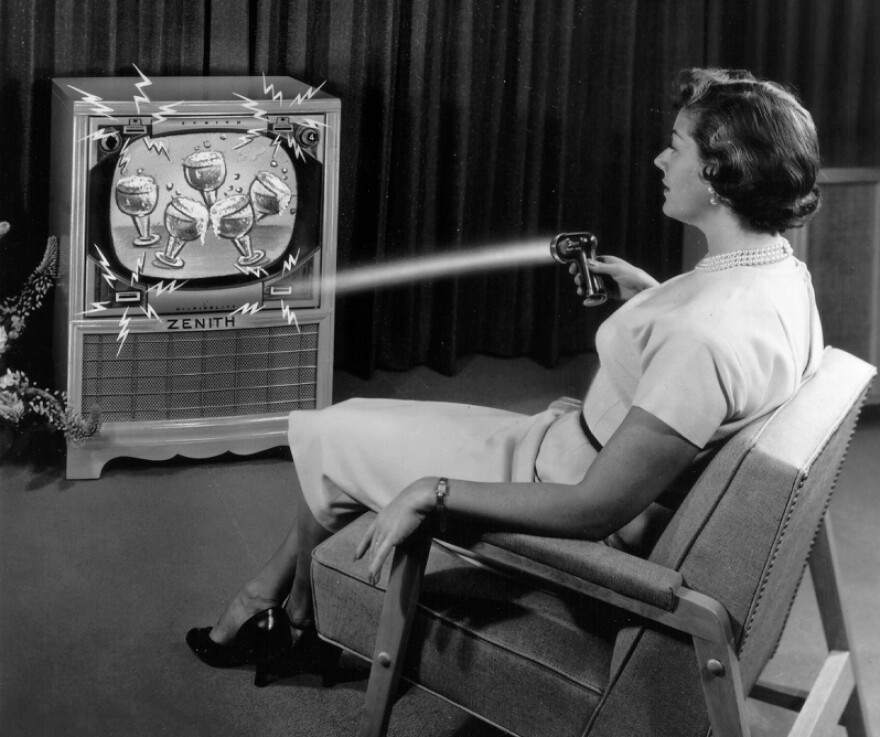
The Problem: Supernatural vibes because of multiple light sources
Space Command Control
In 1956, Polley's colleague, Robert Adler, created the Space Command control, which employed high-frequency, ultrasonic sound instead of light. This new remote didn't even require batteries. Instead, it had tiny hammers to strike one of four aluminum rods, creating different sounds used only by the TV's receiver. One rod each controlled the on and off power functions and the channel up and down function. There was no volume control.
This style of remote increased the price of a new TV by a third, but that didn't stop people from buying them in mass quantities. These remotes became known as "clickers" due to the sound they made, and although their ultrasonic frequencies were inaudible to humans, they drove a lot of dogs bonkers.
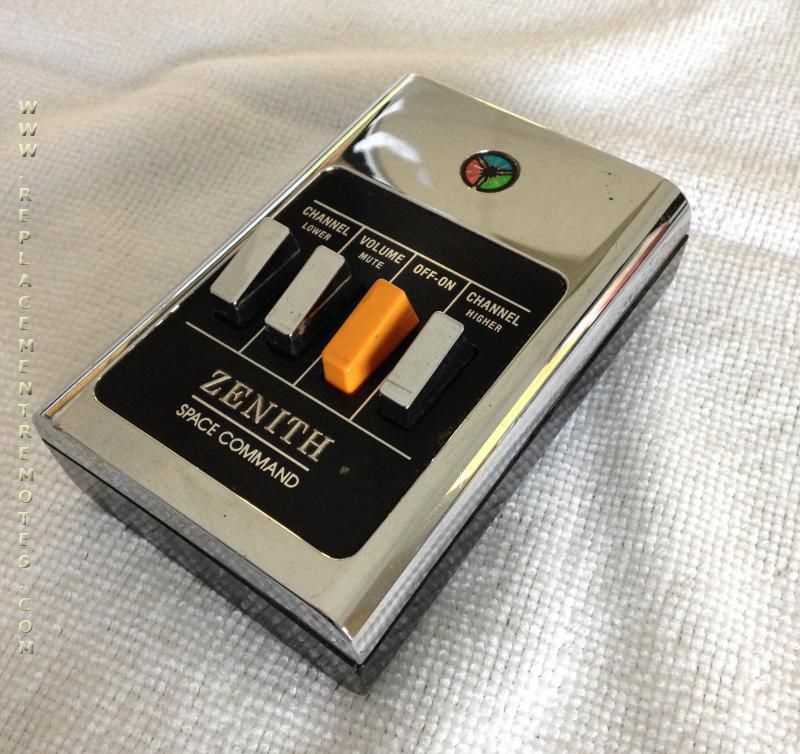
The Problem: Dogs hated it because of the frequencies
Infrared - Remote Overload
Remotes kept evolving. Ultrasonic remotes were the standard for TVs until the 1980s, when remotes began using the infrared light signals that are most common today. Remotes became so popular for so many devices that "remote overload" exasperated many people, sparking the development of so-called universal remotes, which could be programmed to control multiple devices
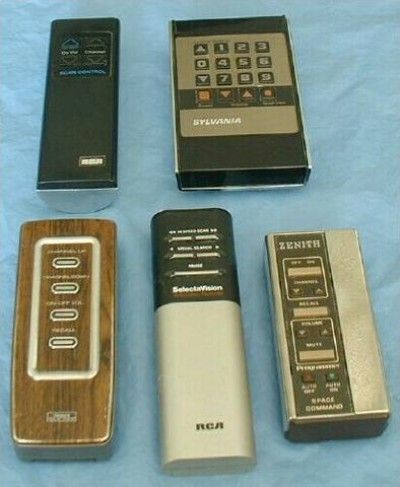
The Problem: Too many remotes for all devices
But through the 1980s and 90s, with the rise of cable TV and the explosion of ancillary devices such as video recorders, DVD players and games consoles, the remote became… rather bloated.
This led to the rise of the remote we discussed initially with many controls for many devices.
Things have now changed. In the last few years, we’re not watching as much TV on our television sets, and the remotes we’re using don’t necessarily have to be held in our hands. Which gives rise to modern tv remotes we see today i.e. the Amazon Fire stick in 2014. While the design is continually improving, there hasn't been too much advancement on the physical remote front.
The problem: Typing
For the past few years, we've stopped flipping through channels. Our predominant mode of consumption is for streaming or even gaming; making typing a huge part of the experience.
" I have literally decided to stop watching on the TV altogether because it was so frustrating & time consuming to type using the remote. "
This problem can be solved by 2 main interventions:
1. Addition of letters
As TV interfaces move closer to the interaction patterns of smartphones and tablets, it feels natural that the physical remote should evolve alongside them. One direction this could take is adding letter-based input or even a touch-sensitive surface, similar to how phones transitioned from buttons to touchscreens. The advantage is that it keeps everything contained within a single device i.e. the remote, without requiring an additional keyboard or accessory.
The downside, of course, is that remotes are easy to misplace, which can make this reliance frustrating. There are already versions of this idea on the market, like the Sony NSG-MR1 remote for Google TVs, though the current executions are not the most refined in terms of form or aesthetics.
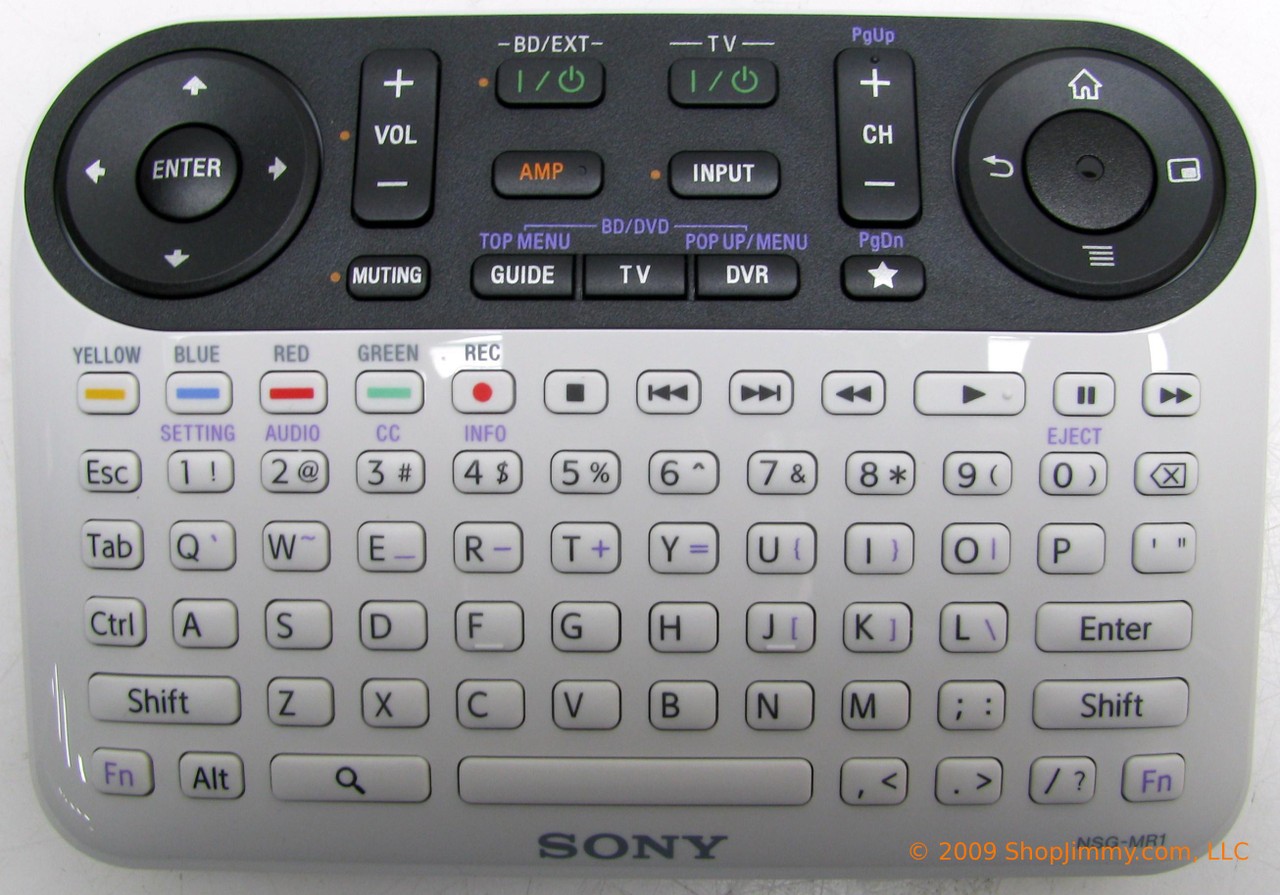
The Problem: Poor aesthetics & Costs over $300 on Amazon
Smartphone Integration
Another direction is removing the need for a physical remote altogether. An app could connect to all accounts and TV platforms, allowing users to control everything directly from their phone. Apple already offers something similar with its Remote, Mouse & Keyboard app, which provides a unified interface for mouse, keyboard, and media controls across Mac or PC. A TV-focused version of this, designed for seamless onboarding and cross-platform compatibility, could eliminate extra steps and reduce hardware dependency while aligning with how people already use their phones as primary interaction devices.
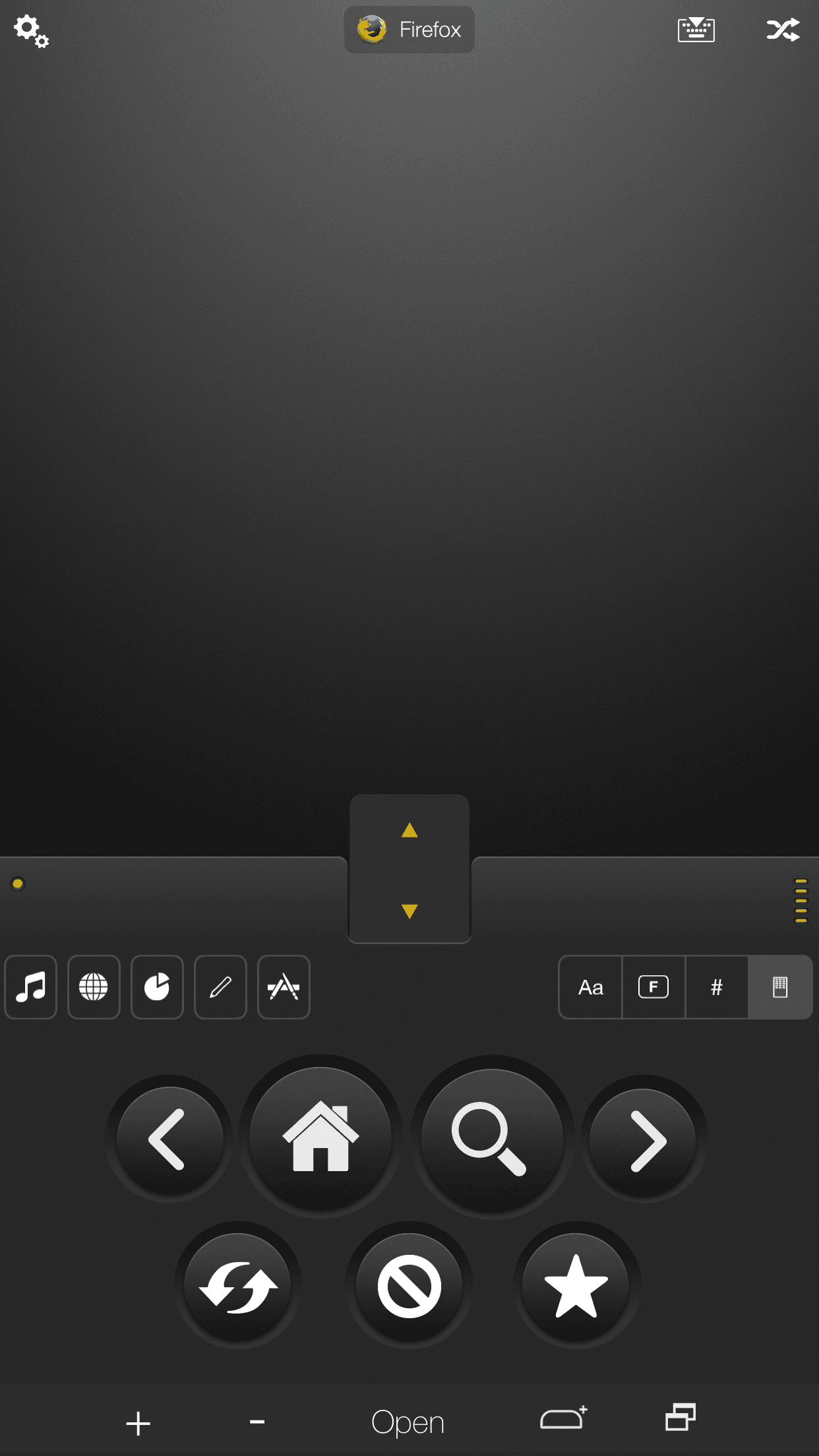
The Problem: Downloading YET another app and the hassle of connecting
I propose a third option
A no app, no remote solution that is low cost & minimal effort
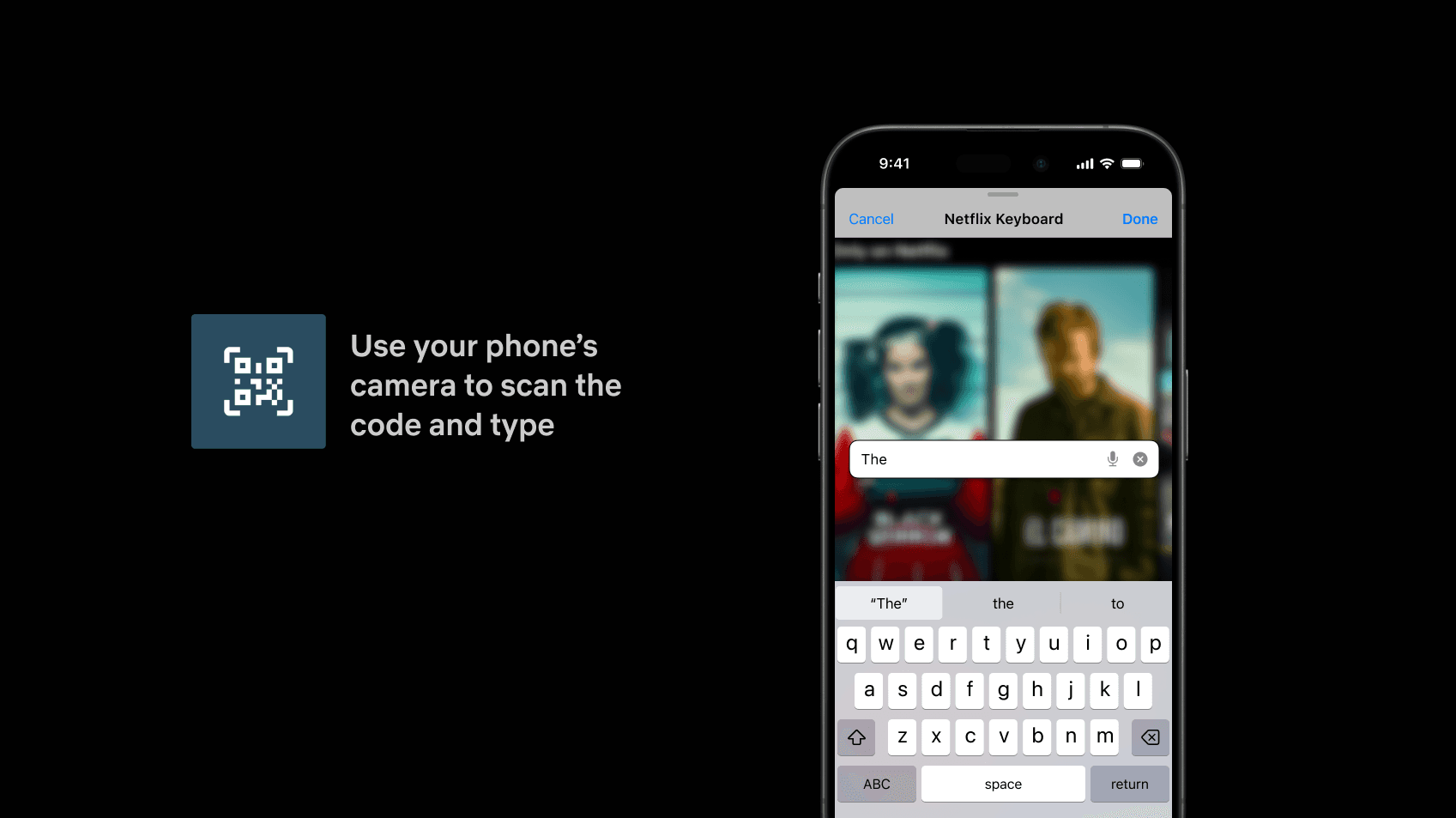
The simplest solution could be a lightweight code integration that triggers an asynchronous keyboard on a user’s phone whenever they need to type on a TV app. All they would do is point their phone’s camera at the search icon, and a browser page would automatically open with a keyboard already synced to their streaming service.
This could have potential challenges as well. Such as bad or broken links, managing situations with no internet connection (though the TV wouldn’t work without it either), and preventing two people from typing at once—because nothing says family time like annoying your sibling.
I designed a sample flow for this - so if @netflix, @hulu, @amazon, @hbo and @Apple TV you’re listening: please make my 30 mins of meal tv time more enjoyable!
The advantages:
Quick
Low-cost
No log-in hassle
No additional app
No expensive remote